
Plain text that formats as you type.
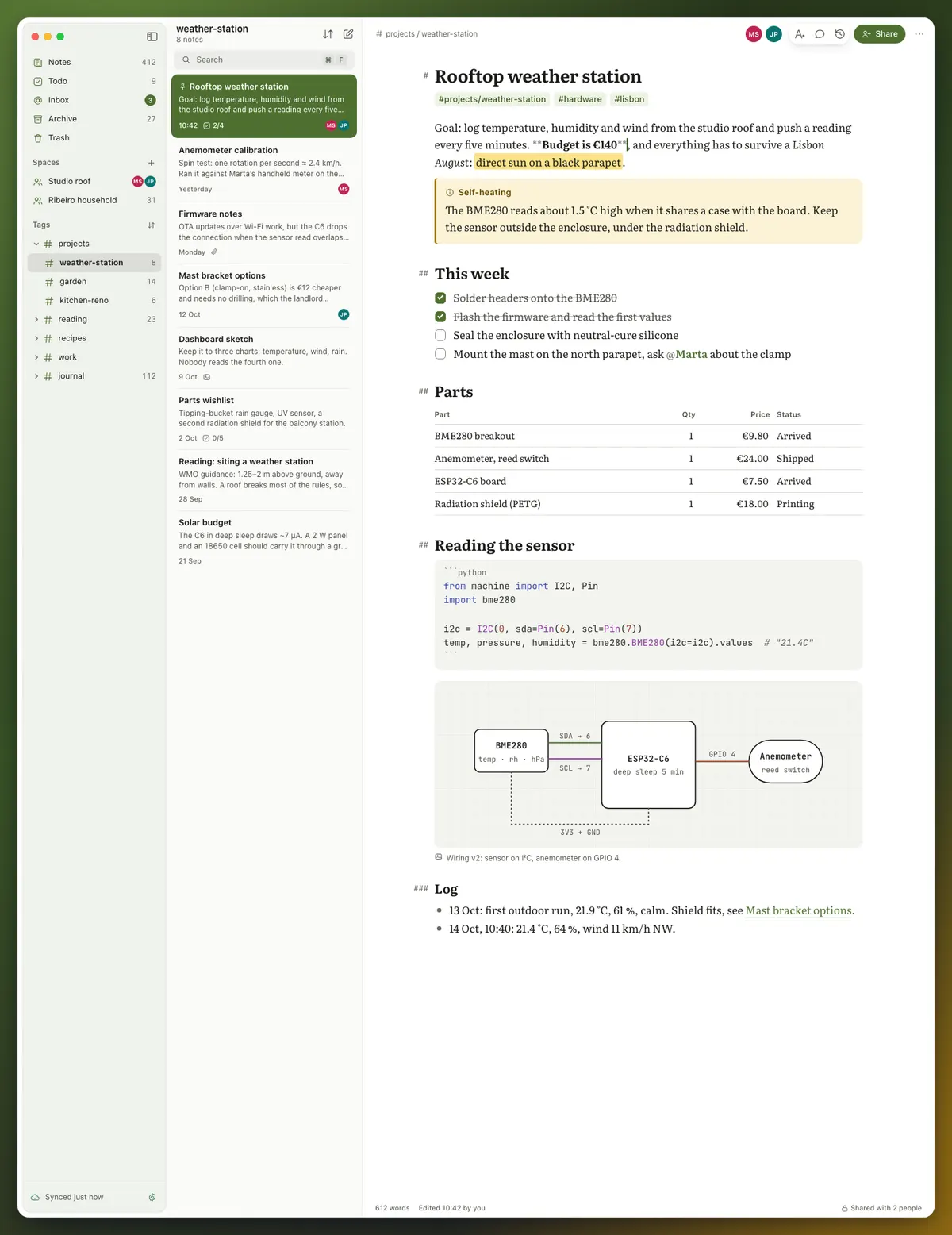
Type ## and the line becomes a heading, with the marker moved into the margin so every line keeps one left edge. Bold, links, tasks, tables, callouts and code render in place, and the file underneath stays standard Markdown.
- Tags with #, nested like
#projects/garden - Links between notes with
[[double brackets]] - Full-text search across your notes
- 22 themes, including high-contrast and true black
Markers that step aside
Heading markers hang in the margin and inline markers such as ** fade when the cursor leaves them, so a note reads like a finished page while every character stays editable.
Tags inside the note
Write #tag anywhere in a note to file it, or #projects/garden to nest it. Each part of a nested tag is its own place to browse.
Links between notes
Type [[ or choose Note link, then pick a note from the list. The link keeps pointing at the same note after that note is renamed. When you’re online, Linked from under a note lists the notes that link to it.
Themes for reading and writing
22 editor themes, 9 light and 13 dark. Graphite and Lampblack are high-contrast themes for light and dark, and Jet is true black for OLED screens. Every theme is free.
Related

Start writing.
Free on one device. No card needed.